

The terminal
A box’s terminal is a shell in the box, as the box user. It is the user’s login shell, and PowerShell on Windows.
Opening a terminal
You can open a box’s terminal from:
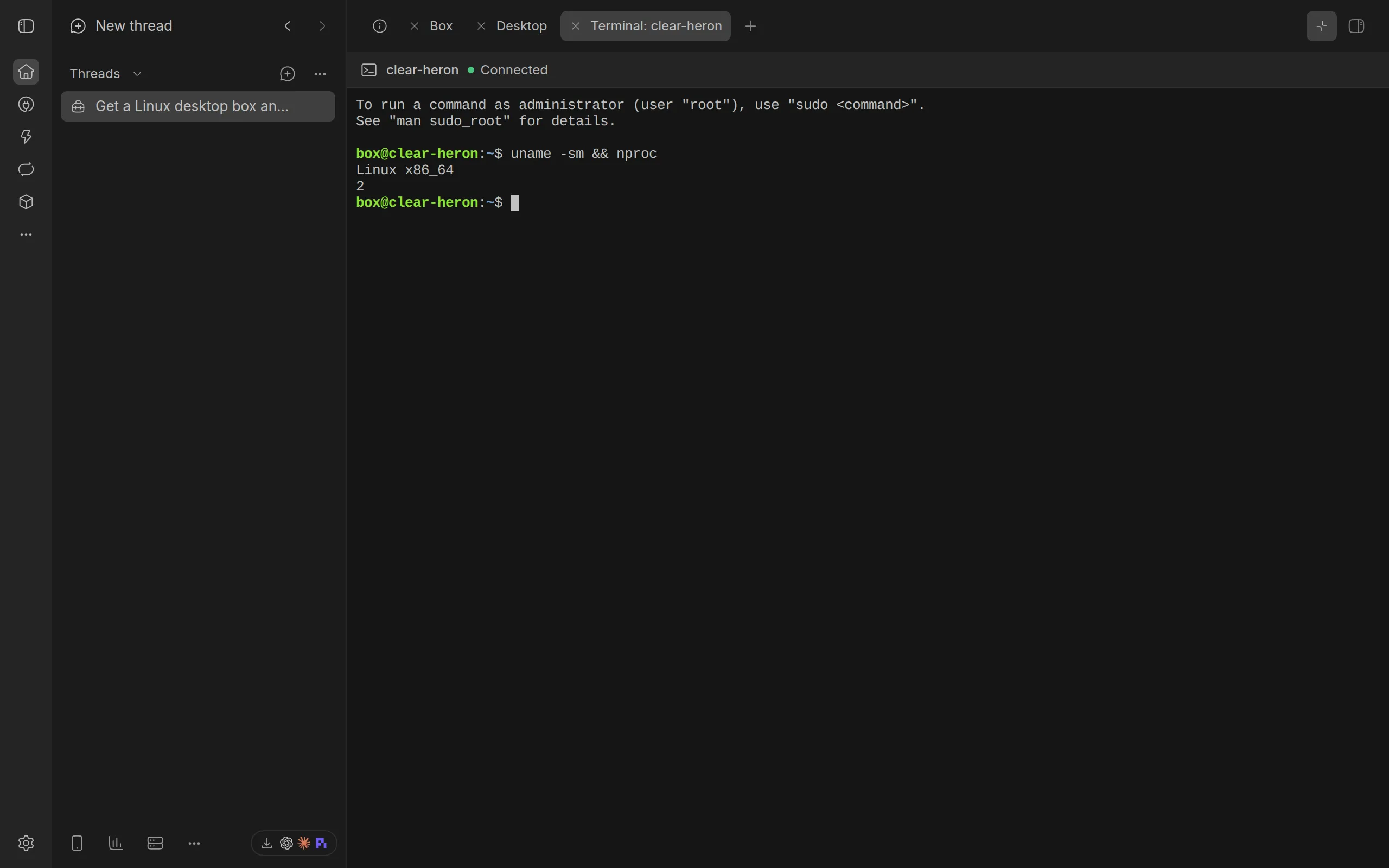
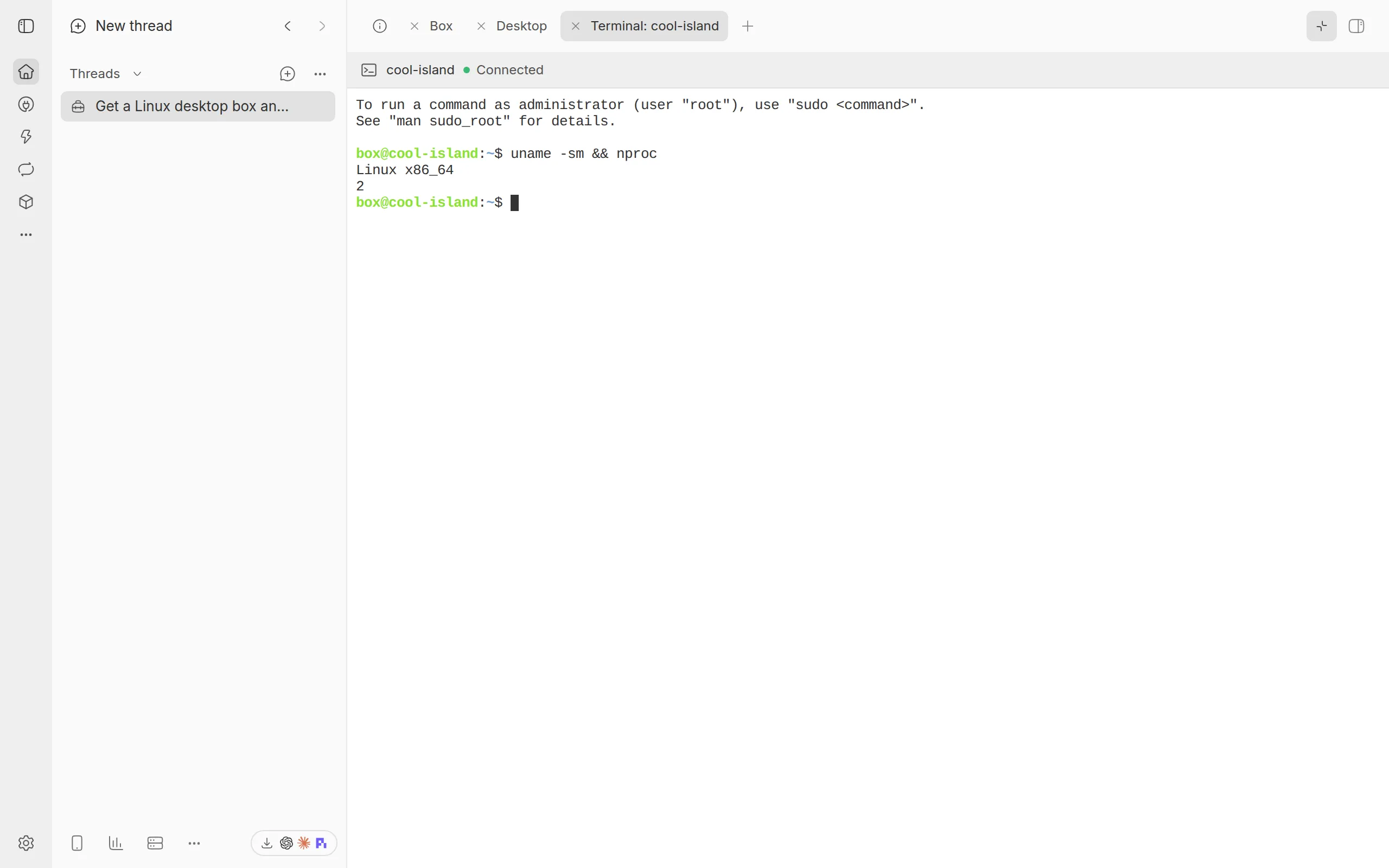
- the Box panel: select Open terminal on the box’s row, which opens a tab called ‘Terminal:’ and the box’s name, with a terminal for its icon. On a narrow screen, such as a phone’s, the tab is called by the box’s name alone
- the thread’s Terminal tab: it opens the thread’s terminal straight away, lists the boxes when there are several, or offers the Box panel when there is none
- the Boxes page: select Terminal on a box’s page. On a desktop or device, select Open terminal in the toolbar’s menu, beside Open thread. The terminal shows on the page, with a back arrow to where you opened it: the list or the box’s page
- the Monitor’s machine status in BB’s sidebar: when it shows a box, select Open beside the box’s name, then Open terminal. The terminal shows on the Boxes page
The thread’s Terminal tab counts the machine the thread runs on.
Using the terminal
The terminal works like one on your own computer. It fits the tab, and changes size when the tab does, so full-screen programs redraw. It keeps the last 5,000 lines you can scroll back through.
The shell keeps running when you switch to another tab. When you come back, the terminal shows what the shell printed meanwhile. A shell that no tab has shown for 10 minutes ends.
The toolbar says how the terminal is doing: ‘Connecting…’, ‘Connected’, ‘Ended’, ‘Starting’, ‘Stopped’ or ‘Released’.
Keys go to the shell, Tab and Shift+Tab too, so completion works. To leave the terminal with the keyboard, press Ctrl+Shift+Up: focus moves to the toolbar, to the box’s other view on the Boxes page, and the shell gets nothing. A screen reader says so when the terminal has focus.
When the shell ends
A shell ends when you exit it, when its box stops or goes, or when BB Box restarts. The terminal says why. Select Start a new shell to carry on.
A stopped box has no terminal until it starts. The terminal offers Start where the box can start again.
When a box is released, its terminal says so, with the box’s name: close the tab, or, on the Boxes page, select Back to boxes or Back to BB Box settings.
A few kinds of box have no terminal, because BB Box reaches them without a shell. The terminal says so.
Agents and commands
Agents do not use this terminal. They run commands in a box with the box_run tool. See agent tools.